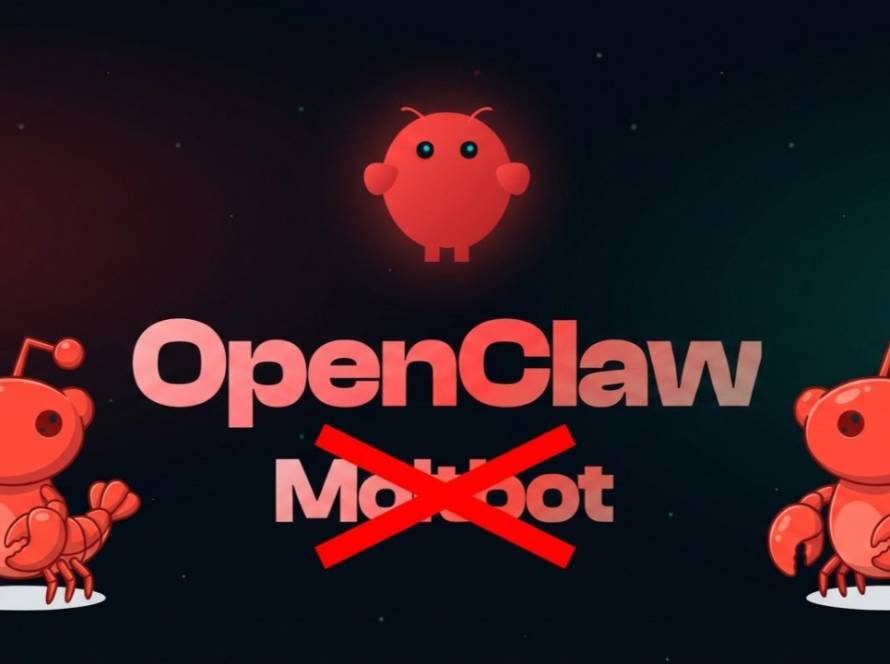
Setting up AI agents can often be daunting. Many tutorials assume a certain level of expertise, requiring a VPS or overly complex Docker setups. However, Openclaw presents a straightforward solution for deploying AI automation across Windows, Mac, and Linux environments.
Understanding Openclaw’s Framework
The Openclaw platform is designed to minimize the barriers to entry for users aiming to leverage AI automation. Unlike other tools that complicate the setup process, Openclaw simplifies installations across various operating systems. This ensures that both developers and users can easily integrate AI functionalities into their workflows.
By providing a user-friendly interface and detailed documentation, Openclaw enables individuals with different levels of expertise to tap into the capabilities of large language models (LLMs). This accessibility is essential in diversifying the user base and promoting innovative applications of AI technologies.
Streamlined Installation Process
Installing Openclaw requires only a few steps, significantly reducing setup time. Users can choose their operating system, and the platform provides tailored instructions for each. Whether a user is on Windows, Mac, or Linux, the same straightforward principles apply.
On your system’s preferred terminal, paste the following prompt to install OpenClaw:
1. MacOS/Linux:
curl -fsSL https://openclaw.ai/install.sh | bash
2. Windows [on powershell]
iwr -useb https://openclaw.ai/install.ps1 | iex
For most users, Openclaw’s installation wizard guides them through the process without unnecessary hassles. Mac users benefit from integrated tools that prevent common installation errors. Linux installations are equally efficient, with concise terminal commands to streamline the setup. Each method empowers users to quickly configure the tool and start benefiting from AI automation.
Leveraging Openclaw’s Unique Features
Openclaw distinguishes itself with its modular skills system. This feature allows developers to customize the platform according to their specific needs, enhancing automation workflows. Users can create, modify, and share various skills, providing immense flexibility in task execution.
Moreover, the platform’s compatibility with local LLMs results in efficient processing power, minimizing latency during operation. This combination of features fosters powerful AI solutions, enabling developers to design innovative applications without facing substantial overhead.
In conclusion, Openclaw stands out by offering a user-centric approach to AI automation deployment. By simplifying the installation process across multiple operating systems and providing a robust framework for skill development, Openclaw empowers a diverse range of users to harness the power of AI. As interest in AI technologies continues to grow, this platform represents a vital resource for those looking to efficiently integrate automation into their projects.