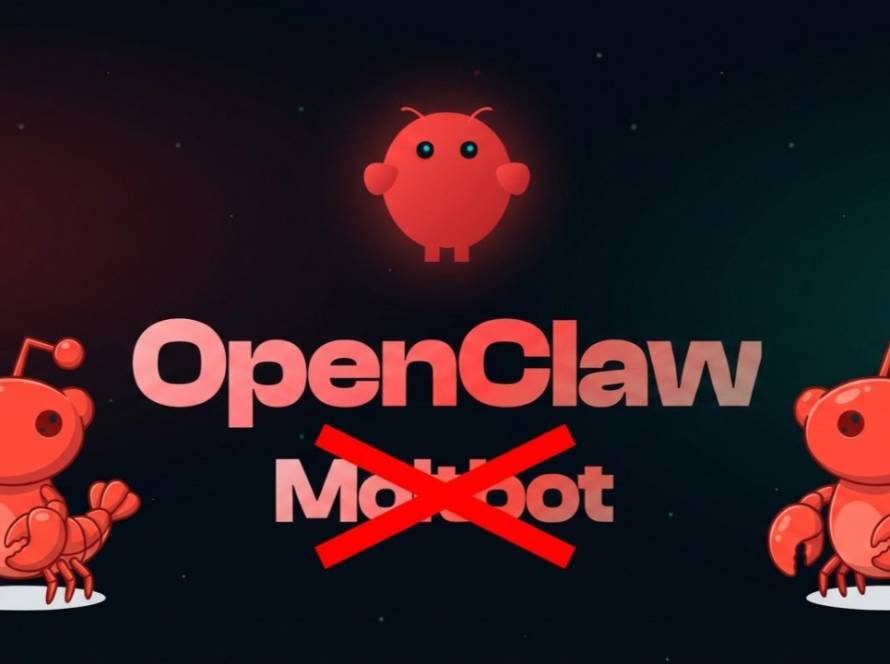
Openclaw has emerged as a leading AI automation tool that simplifies the process of task management across various platforms. Known for its versatility and user-friendly setup, Openclaw allows users to harness the power of automation to improve productivity significantly. This article provides a clear, step-by-step guide on how to set up Openclaw quickly and efficiently.
Prerequisites for Openclaw Installation
Before diving into the setup process, users should ensure their systems meet specific prerequisites. Openclaw functions on multiple operating systems, including Windows, macOS, and Linux, making it accessible for a broad user base. It is essential to have an updated version of Python installed on the system, as Openclaw relies on it for core functionalities.
In addition to Python, users will need the necessary libraries and dependencies to ensure that Openclaw functions smoothly. A comprehensive installation guide is available on the official Openclaw website or GitHub repository, outlining all required components. Preparing ahead of time will facilitate a smoother installation process, reducing potential issues.
Step-by-Step Installation Process
The installation of Openclaw begins with downloading the latest version from the official website or GitHub repository. Users should navigate to the designated download page, select the appropriate version for their operating system, and begin the download process. Once the files are downloaded, the next step is to extract the contents to a preferred location on the system.
Open a terminal window or command prompt and navigate to the extracted folder. By executing the provided installation script, users can initiate the setup process, during which all necessary components will be installed automatically. This streamlined approach significantly reduces the time required to have Openclaw operational, with many users reporting successful installations in just a few minutes.
Configuring Openclaw for Optimal Use

After installation, users will need to configure Openclaw to suit their specific needs. This process can involve setting parameters for the local large language models (LLMs) that Openclaw utilizes, ensuring that the AI assistant can effectively handle user commands. The flexibility of Openclaw allows for a range of customizations that enhance the user experience.
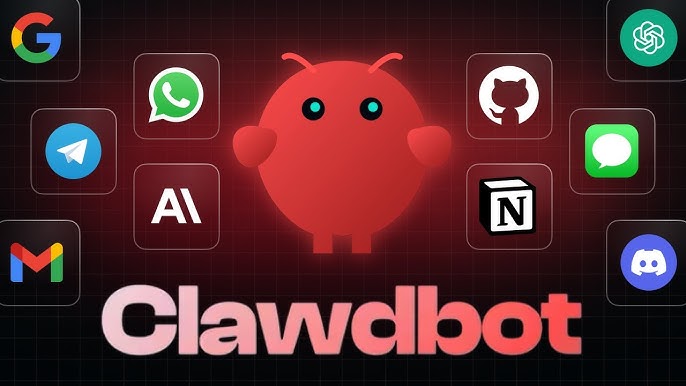
In addition, integrating Openclaw with popular messaging platforms like Telegram or Slack can further improve its functionality. By creating a bot within these platforms and linking it to Openclaw, users can streamline communications and automate various tasks more effectively. This integration is a critical step that empowers users to harness the full capabilities of Openclaw within their preferred environments.
In conclusion, setting up Openclaw as an AI automation tool is a straightforward process that can be completed in just minutes. By following the requisite steps for installation and configuration, users can unlock a powerful platform designed to improve productivity and streamline workflows. As the demands for automation continue to grow, Openclaw stands poised to offer innovative solutions that cater to users across a variety of sectors.